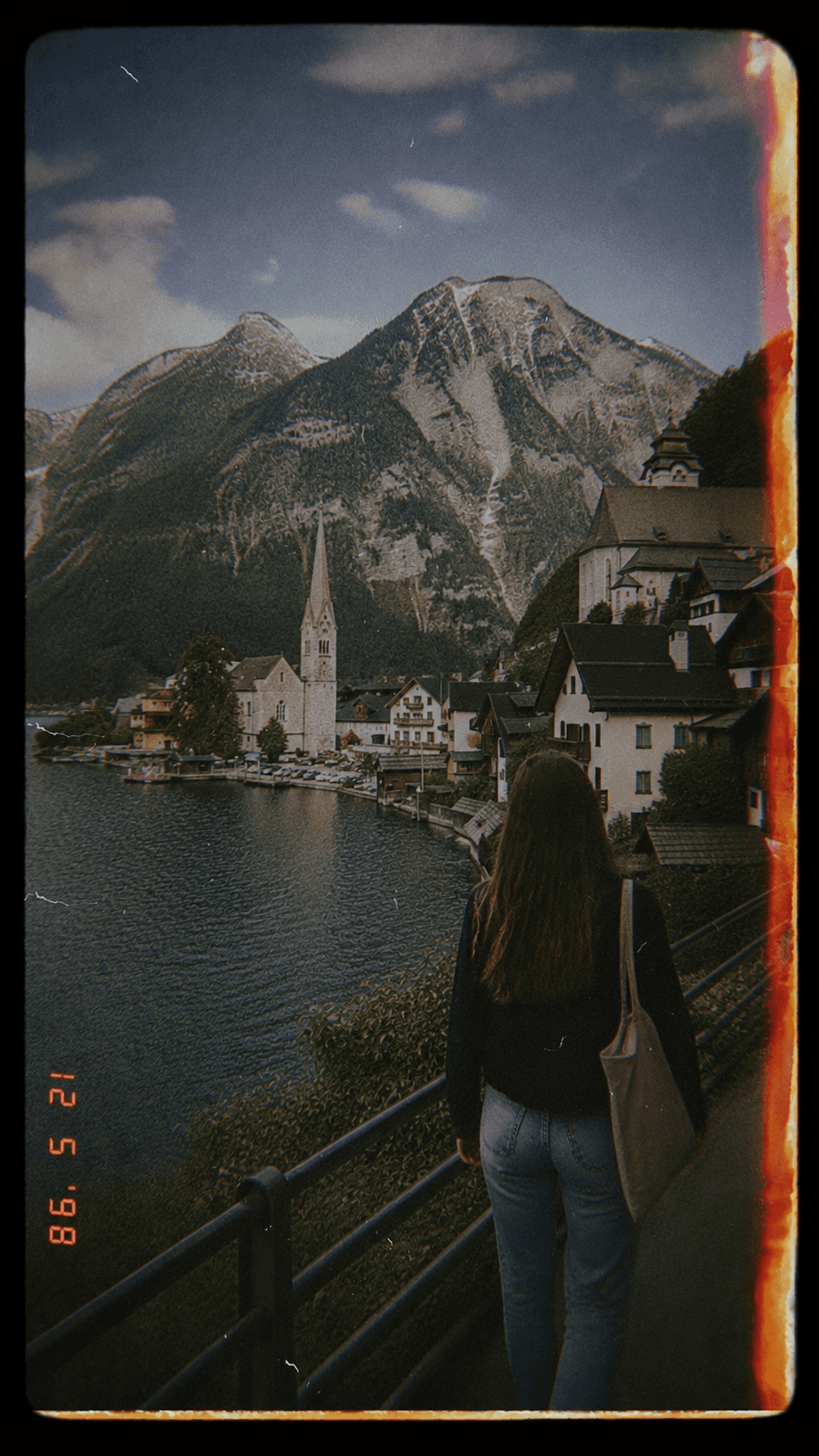

- Photos get lost in the group chat
- Compression hurts quality when people resend files
- Memories disappear between conversations
Early access
The best event photos should not disappear in group chats.
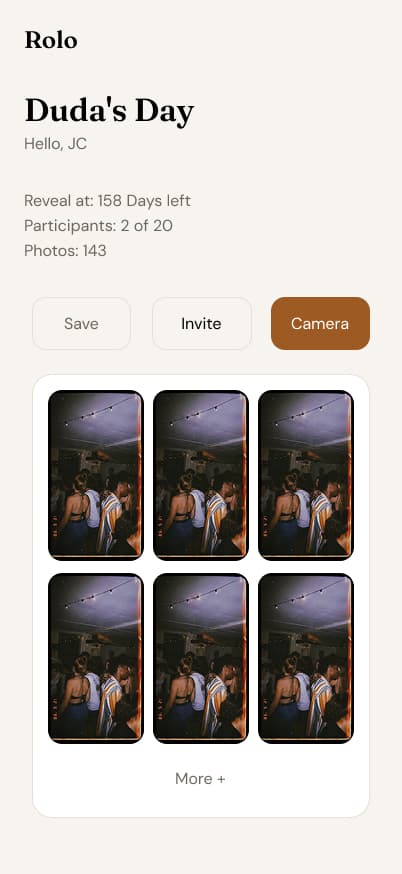
Guest photos stay in one place. No app and no lost group chat. You choose when everyone sees the album.
A digital disposable camera for events
How it works
Three steps so you do not lose a single event photo.
- Step 01
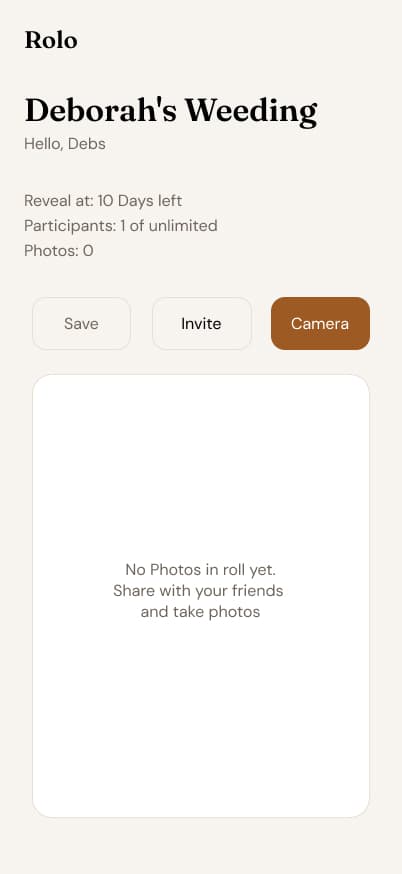
Create the event album
Name the event, choose the right plan, and decide when the photos should reveal to participants.
- Step 02
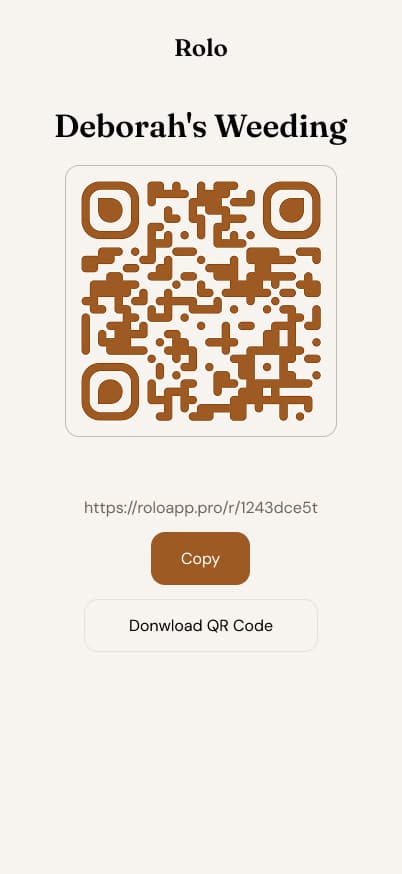
Share the QR code
Put the QR on invitations or tables, or send the link. Guests join from their phone browser with no app to install.
- Step 03
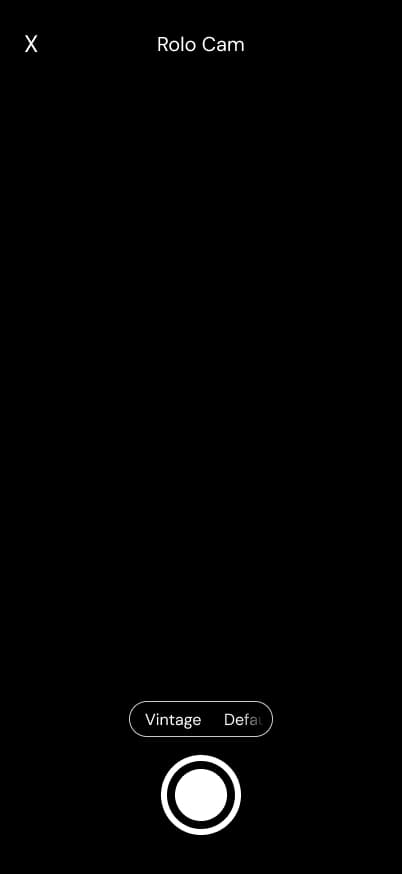
Collect photos from everyone
Every shot lands in the same private roll. Later, the album opens on your schedule so people can download and relive the event.
Why switch?
WhatsApp and Drive were not built for event day.
Drive
- You create folders, links, and explain the process to everyone
- Manual organization and scattered uploads
- It never feels like one event album
Rolo
- QR or link. Guests join in seconds with no app
- Every event photo in one private place
- Reveal on the schedule you choose
Guides
Tips so you do not lose event photos
Practical articles about guests, QR codes, and private albums.
Comparison
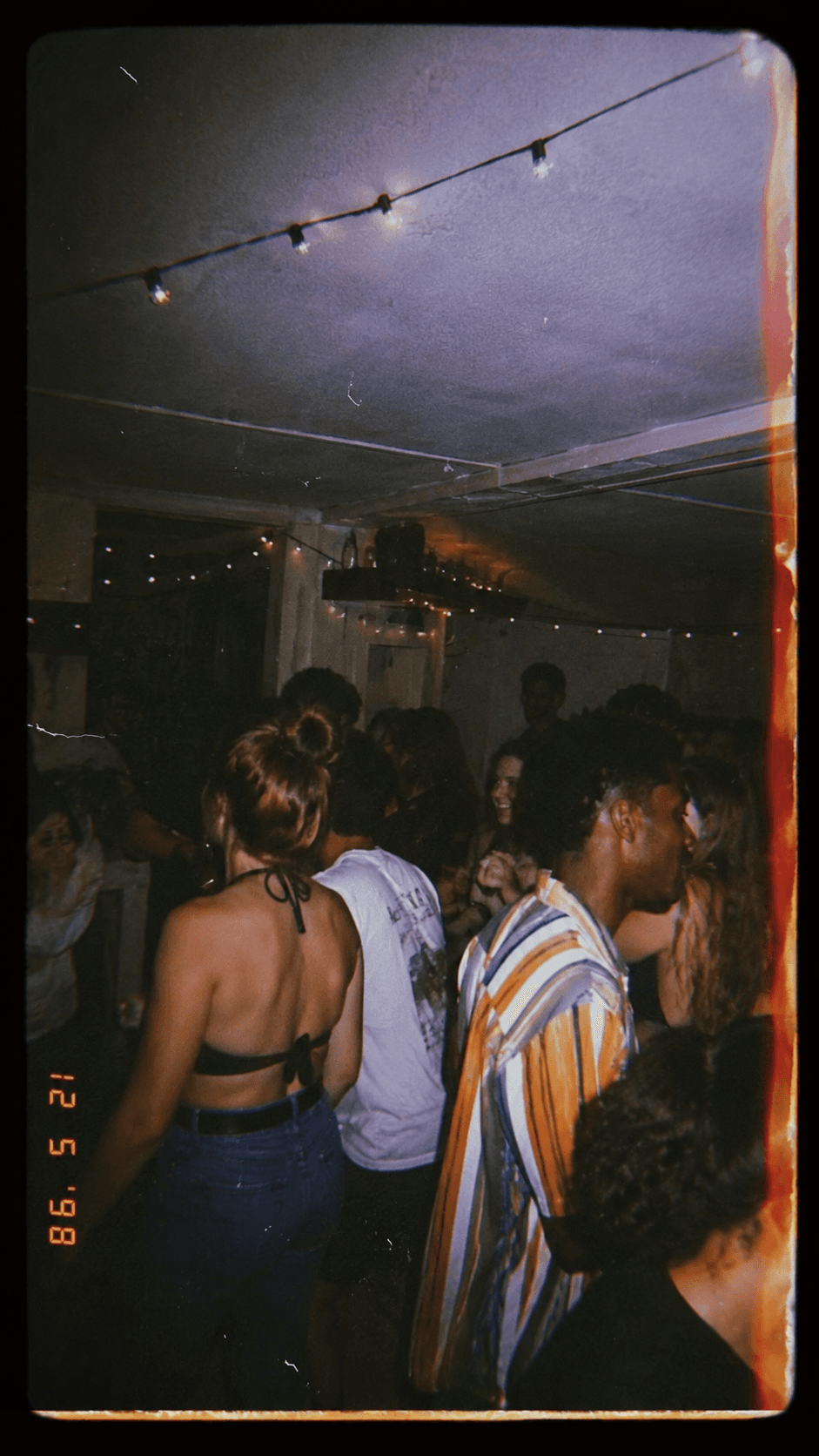
Rolo vs WhatsApp vs Google Drive: where to keep event photos
Compare WhatsApp, Google Drive, and Rolo for wedding, party, and event photos. Pros, cons, and when a QR code album makes sense.

Events
How to collect guest photos at an event without a WhatsApp group
A simple way to collect guest photos with a private QR code album, without asking everyone to join a noisy WhatsApp group.
Weddings
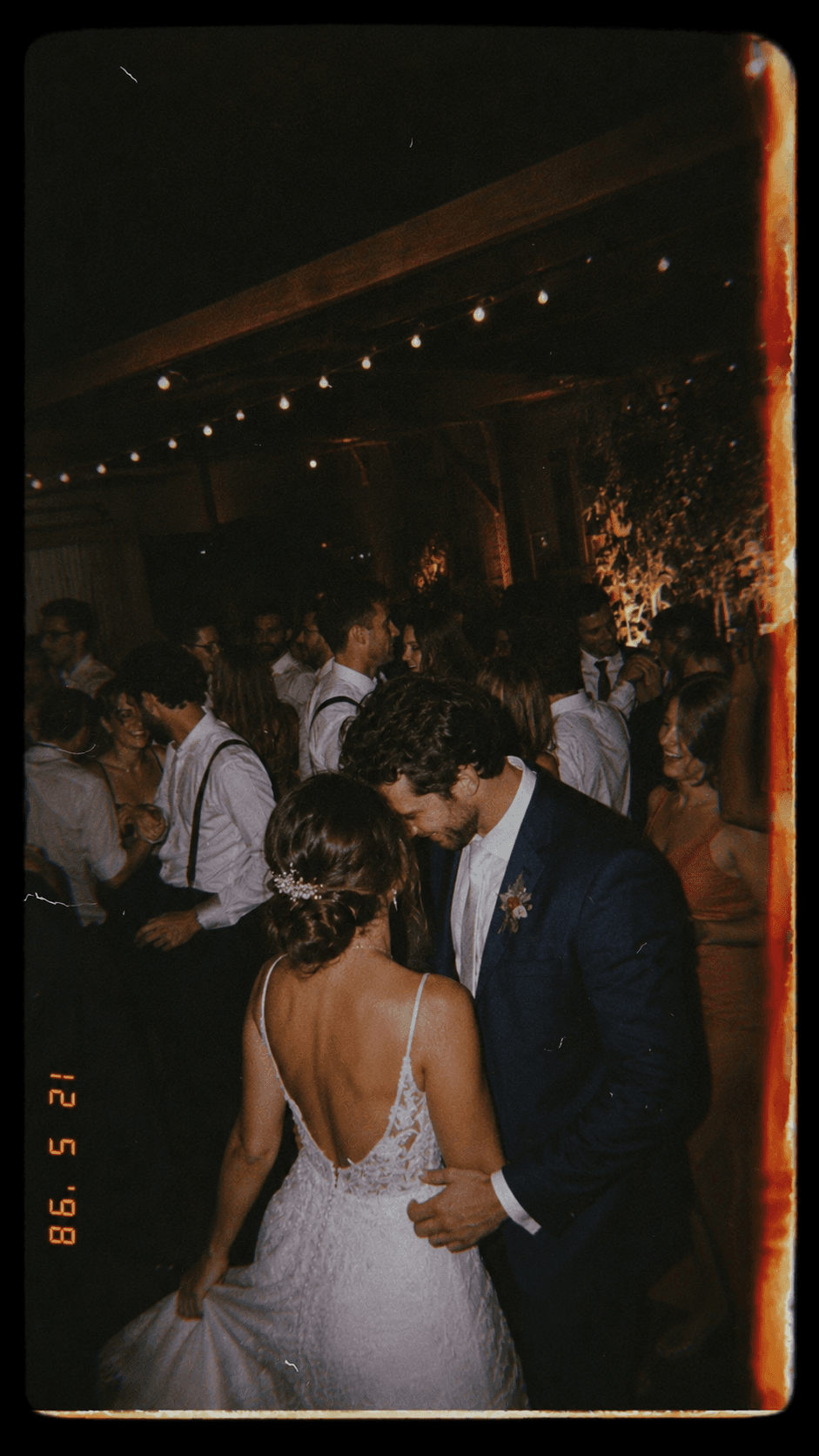
Wedding photo album with a QR code: how it works
Learn how a QR code wedding photo album helps guests share candid photos without an app, while keeping everything organized.
What you get
Everything hosts and guests need on event day.
- You choose when photos appear: during the party, at the end of the night, or a few days later.
- Guests join from their phone in a few taps, with nothing to download.
- Every photo goes into the same event album, ready to revisit and download later.
Pricing
Choose the right roll size.
Plans by participant count, with unlimited photos during the event period.
Starter
Up to 20 guests
$4per event
- Unlimited photos during the event
- Link and QR for guests
- Private event album
- Email support
Event
Up to 50 guests
$12per event
- Unlimited photos during the event
- Link and QR for guests
- Private event album
- Email support
Big day
Unlimited guests
$69per event
- Unlimited photos during the event
- Link and QR for guests
- Private event album
- Email support
FAQ
Frequently asked questions
Keep the event through the eyes of the people who lived it with you.
Invite the people who were there and keep what each person captured in one album for the event.