Wedding photo album with a QR code: how it works
Learn how a QR code wedding photo album helps guests share candid photos without an app, while keeping everything organized.
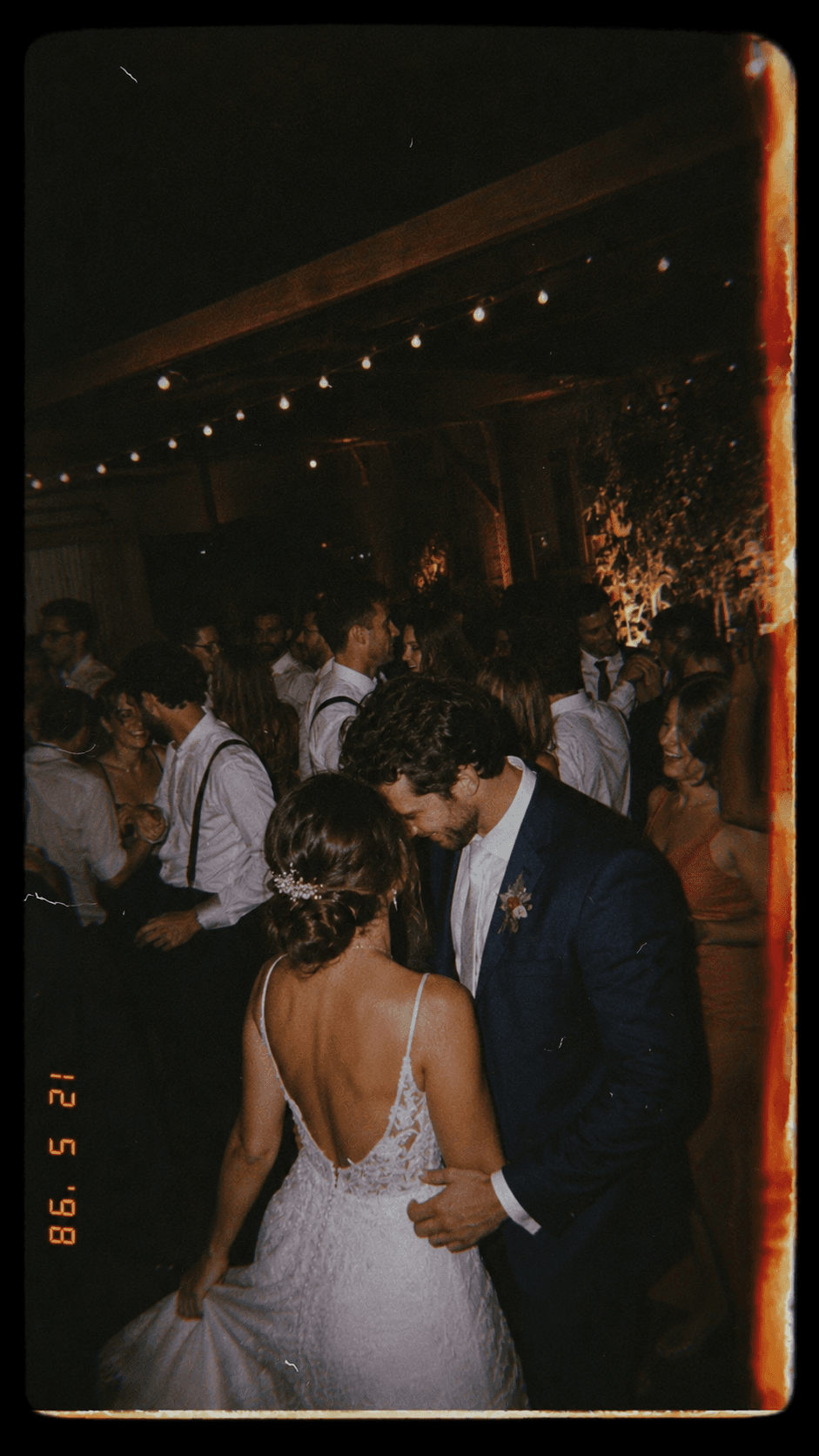
A wedding photo album with a QR code lets guests add photos from their phones during the celebration. The couple shares one code, guests open it in the browser, and the photos land in a private album for the event.
It works because guests see a different wedding than the official photographer does. They catch the table jokes, the flower girl hiding under a chair, the grandparents watching quietly, and the dance floor from inside the crowd.
Where to use the QR code
- On the digital invitation.
- On small cards placed at each table.
- Near the bar or guest book.
- In a message to close family, bridesmaids, and groomsmen.
Why not just use a shared folder
Shared folders are useful, but they often ask guests to sign in, request access, or understand permissions. At a wedding, every extra step lowers participation.
A wedding album built around a QR code is lighter. Scan, open, add photos. With Rolo, the couple can also keep the reveal for later, creating a small disposable-camera feeling without handing out physical cameras.
How to get more guests to participate
- Say clearly that the album is private to the event.
- Mention that no app download is required.
- Place the QR code where people naturally pause.
- Give guests a small prompt, like “show us the wedding from your table.”
Frequently asked questions
Does a QR code album replace the wedding photographer?
No. It complements professional photography with candid photos from the guests' point of view.
Are the wedding photos public?
They should not be. The best setup is a private album accessed through the event link or QR code.
Want to try this at your event?
Create a photo roll with a QR code so guests add photos from their browser, no app download needed.